
How to Make a Birthday Rap Video From a Photo

Upload one photo, type the birthday person's name and two or three details, and get a 15-second rap video where that face raps a birthday verse written just for them.

Made from a single photo each. Tap a video to hear it.

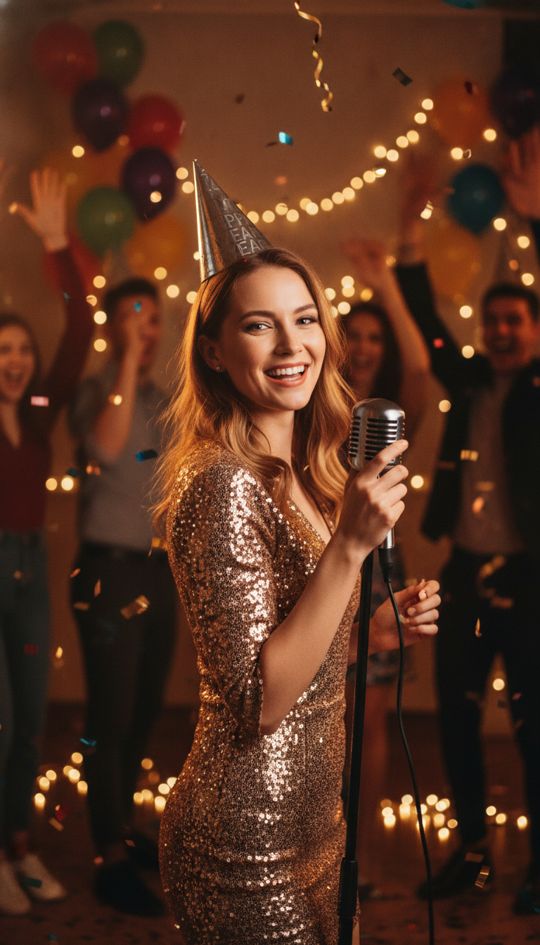
Original photo used for the Birthday rap example

Birthday rap

Tap to play with sound

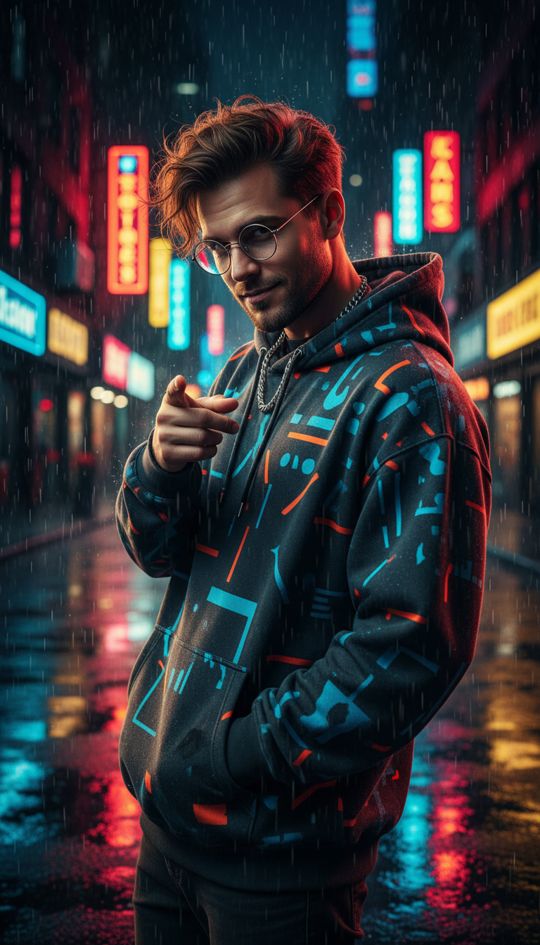
Original photo used for the Friendly roast example

Friendly roast

Tap to play with sound

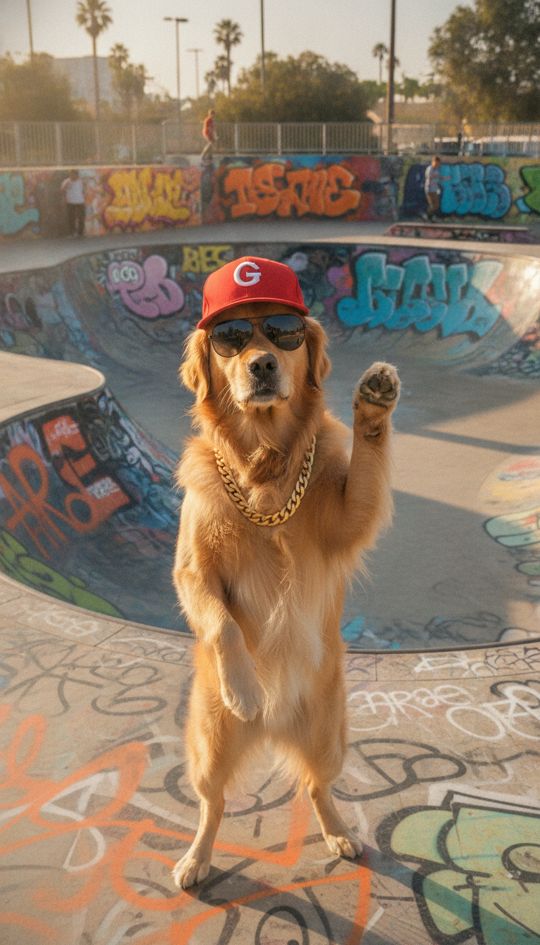
Original photo used for the Dog drops a verse example

Dog drops a verse

Tap to play with sound

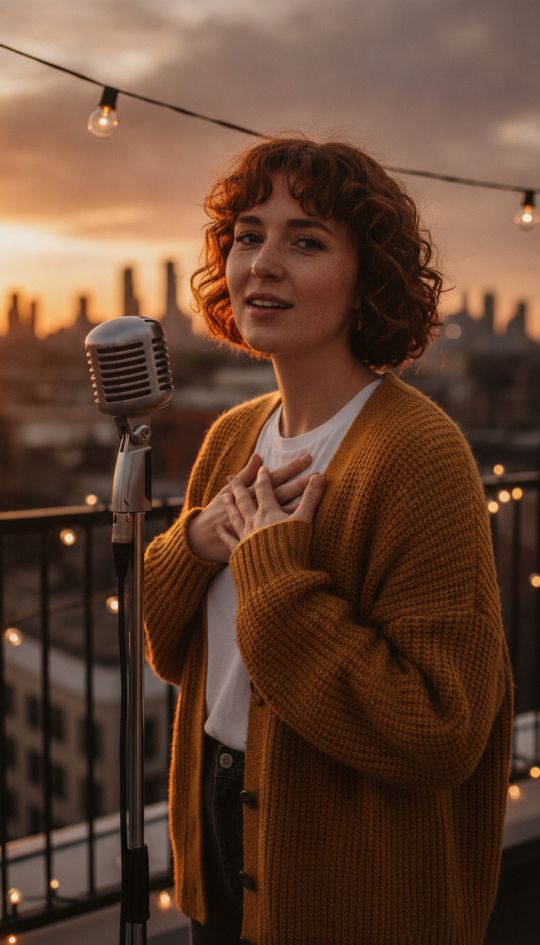
Original photo used for the Anniversary love song example

Anniversary love song

Tap to play with sound

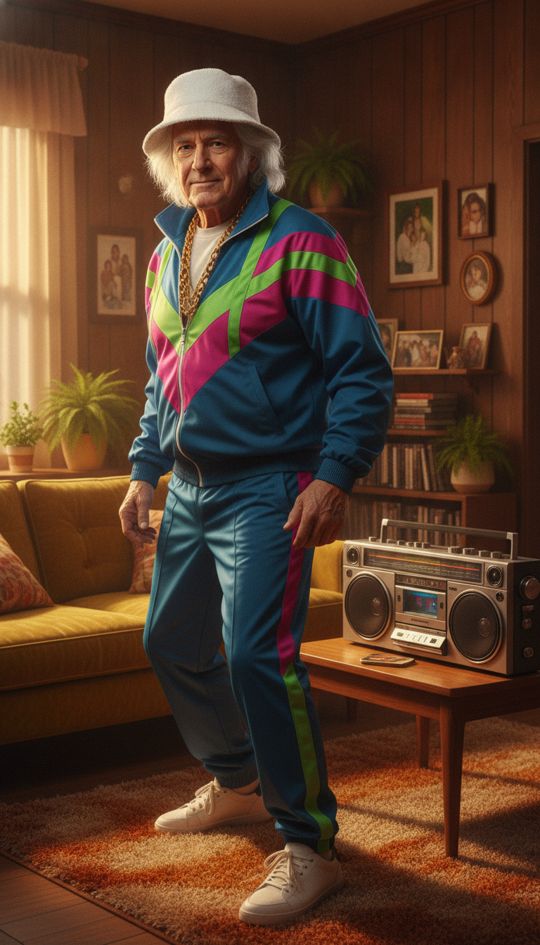
Original photo used for the Grandpa goes viral example

Grandpa goes viral

Tap to play with sound

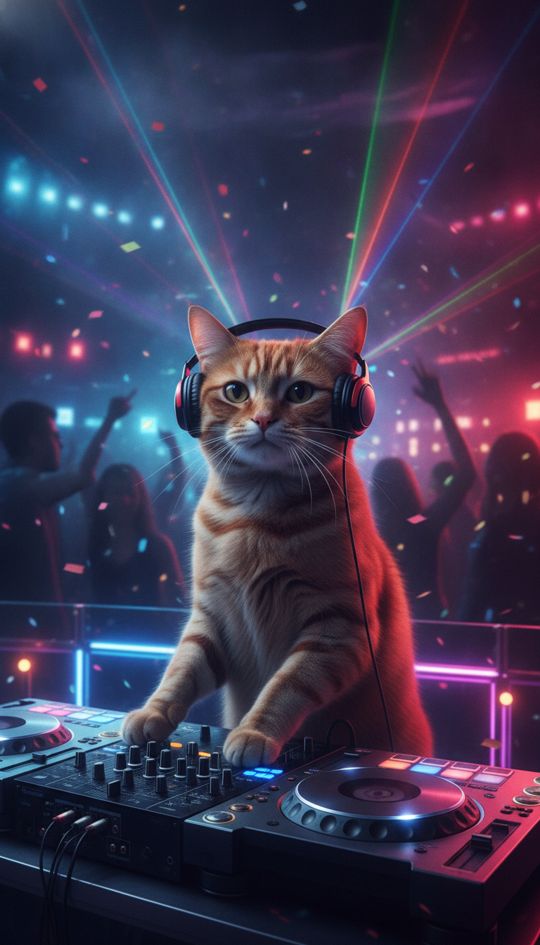
Original photo used for the Cat on the decks example

Cat on the decks

Tap to play with sound

Original photo used for the Friday office hype example

Friday office hype

Tap to play with sound

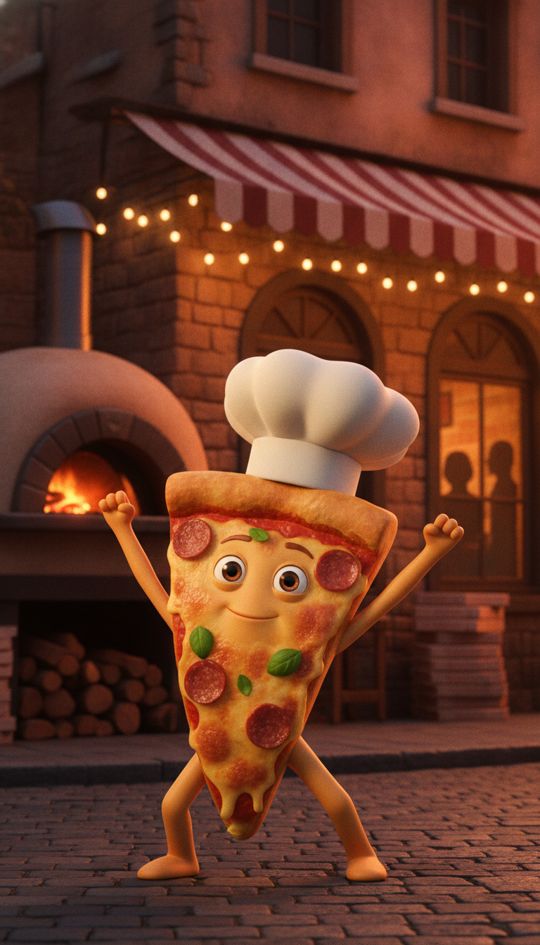
Original photo used for the Pizza shop jingle example

Pizza shop jingle

Tap to play with sound

your singer goes here

One face, looking at the camera, in good light. Pets and cartoons work too.

Pick a style

Optional. Names, inside jokes, the occasion — or leave it empty and we'll pick a trending idea.

No account needed to buy. Or sign in for 1 free watermarked preview. Failed videos are refunded. By continuing you confirm you're allowed to use this photo.

RapClips turns one photo and a short note ("Maya, 30, loves tacos, always late") into a 15-second vertical birthday rap video with original lyrics, an AI voice, a beat and lip sync. From $9.90, no account needed to buy.

How it works

  1. 1

    Pick one good photo

    A clear, front-facing photo of the birthday person (with their OK), you, or their pet. One face, good light, mouth visible.

  2. 2

    Type the name and details

    Name, age and two or three things only friends know: "Maya turns 30, taco addict, still can't parallel park". That is what makes the lyrics land.

  3. 3

    Send the video

    In about 4–5 minutes you get a 15-second vertical video. Download it and send it on WhatsApp or iMessage, or post it to Instagram or TikTok.

The short answer

To make a birthday rap video from a photo: open RapClips, upload one clear photo, type the person's name plus a few personal details in the topic box, choose Rap, and press "Make it rap". AI writes a four-line birthday verse, creates the vocals and beat, and lip-syncs the photo. You get a 15-second 9:16 video you can download and send.

You do not need to write lyrics, find a beat or edit anything. The whole thing takes a couple of minutes of your time; the video itself renders in about 4–5 minutes, and you can close the page and find it later in My videos.

What to type so the rap sounds personal

The topic box is where the magic is. Give the AI a name, the age and two or three specific, friendly details. Real examples that work well:

"Happy 30th Maya — taco addict, always 10 minutes late, best laugh in the office."

"Dad turns 60, grills every Sunday, still thinks he can dunk."

"Our dog Biscuit turns 5, steals socks, scared of the vacuum."

Keep it affectionate. Light teasing works great at a birthday; anything mean or embarrassing does not, and content that targets or humiliates someone is blocked.

Which photo works best

One person, facing the camera, in good light, with the mouth clearly visible. A recent selfie or a portrait from a party is ideal. Side profiles, sunglasses, heavy filters and group shots give weaker lip sync.

Want two people in it — a couple, or best friends? Switch to Duo and add two photos; the two faces trade lines. Duo costs the same as solo.

For a child's birthday, use a photo of a parent, a sibling who is an adult, or the family pet singing to the birthday kid. Photos of minors are not accepted.

How much a birthday rap video costs

One video is $9.90, three are $19.90, five are $29.90 and twenty are $79.99 — one-time payments, credits never expire, and you do not need an account to buy. Signing in gives you one free 8-second preview with a watermark, so you can try it before you pay.

If a video fails to generate, the credits go back automatically.

Ideas beyond "happy birthday"

The same steps work for a birthday roast for the group chat, a surprise video played at the party, a message from the whole team, a grandparent's 80th, or a pet's "gotcha day". Change the style to Pop, R&B, Rock or Country if a sung birthday song suits the person better than a rap.

What people make

  • Best friend's birthday

    Their own face raps their inside jokes — perfect for the group chat.

  • Partner's birthday

    A sweet (and slightly cheesy) birthday rap starring them.

  • Parents and grandparents

    Dad raps about his grill, Grandma about her famous pie.

  • Coworker's birthday

    A team shout-out that beats signing a card.

  • Pet birthday

    The dog raps about turning five and stealing socks.

  • Kids' parties

    The family pet or a parent sings to the birthday kid.

Questions

How do I make a birthday rap video from a photo?

Upload one clear photo on RapClips, type the person's name and a few details (age, hobbies, inside jokes) in the topic box, pick Rap and press "Make it rap". AI writes the lyrics, makes the vocals and beat, and lip-syncs the photo. The 15-second video is ready in about 4–5 minutes.

Can the rap say their name?

Yes. Put the name in the topic box and the AI writes it into the lyrics. Simple, common spellings are pronounced most reliably; if a name is unusual, you can type it the way it sounds.

How long is the birthday video?

15 seconds, vertical 9:16 in 720p — a full four-line verse. The free preview is 8 seconds with a watermark.

How much does it cost?

$9.90 for one video, $19.90 for three, $29.90 for five or $79.99 for twenty, paid once. No subscription and no account needed to buy.

Can I make it the same day as the birthday?

Yes. Most videos are ready in about 4–5 minutes. You can leave the page; the video keeps rendering and appears in My videos, and you get an email when it is done if you are signed in.

Can I use my child's photo?

No — photos of minors are not accepted. For a kid's birthday, use a photo of a parent, an adult sibling or the family pet singing to them.

Can it sing instead of rap?

Yes. Choose Pop, R&B, Rock or Country instead of Rap and the AI writes a sung birthday song in that style.

Where can I send it?

Anywhere that plays an MP4: WhatsApp, iMessage, Messenger, email, Instagram Reels, TikTok or YouTube Shorts. Paid downloads have no watermark.

Make their birthday rap

One photo, their name, a few inside jokes.