
AI Rap Video Generator: One Photo In, a Rap Video Out

No lyrics, no beat and no editing skills needed. Upload a photo, say who the rap is about, and get a lip-synced AI rap video starring that face.

Made from a single photo each. Tap a video to hear it.

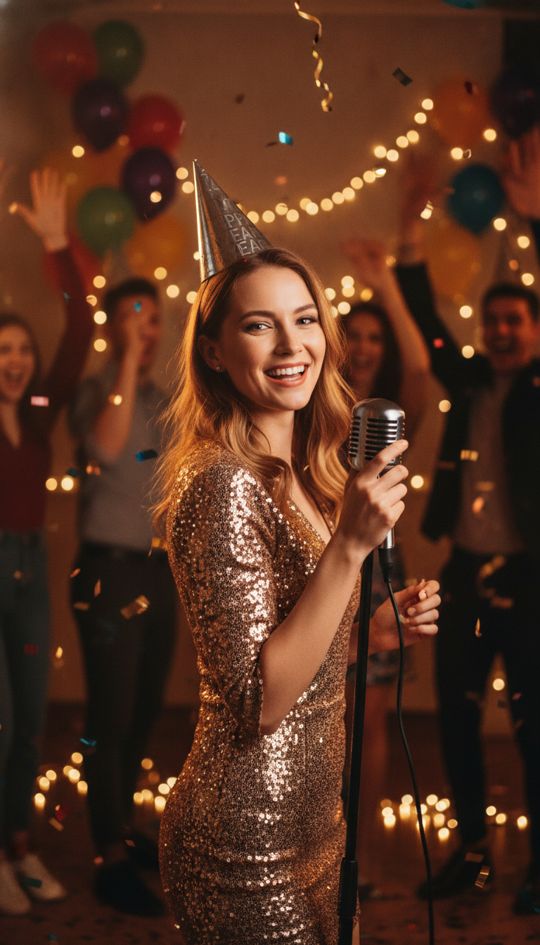
Original photo used for the Birthday rap example

Birthday rap

Tap to play with sound

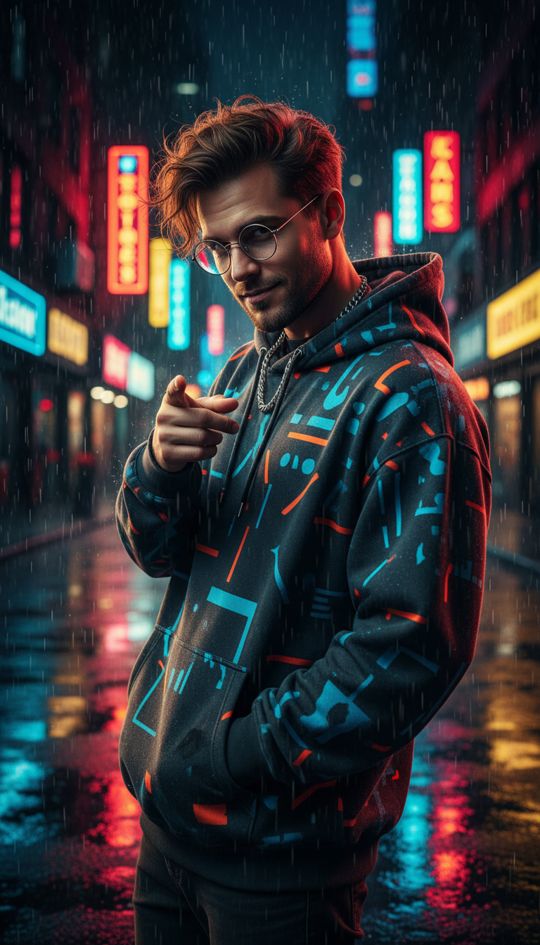
Original photo used for the Friendly roast example

Friendly roast

Tap to play with sound

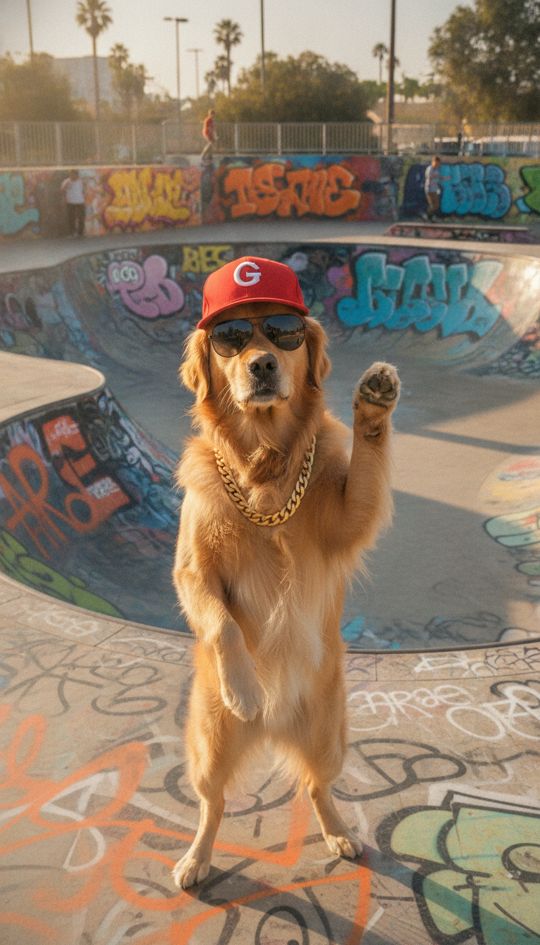
Original photo used for the Dog drops a verse example

Dog drops a verse

Tap to play with sound

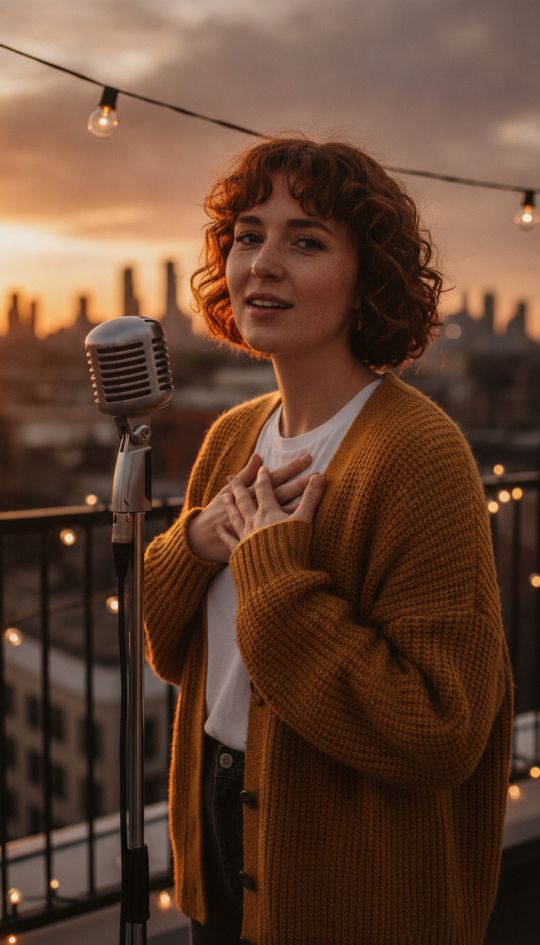
Original photo used for the Anniversary love song example

Anniversary love song

Tap to play with sound

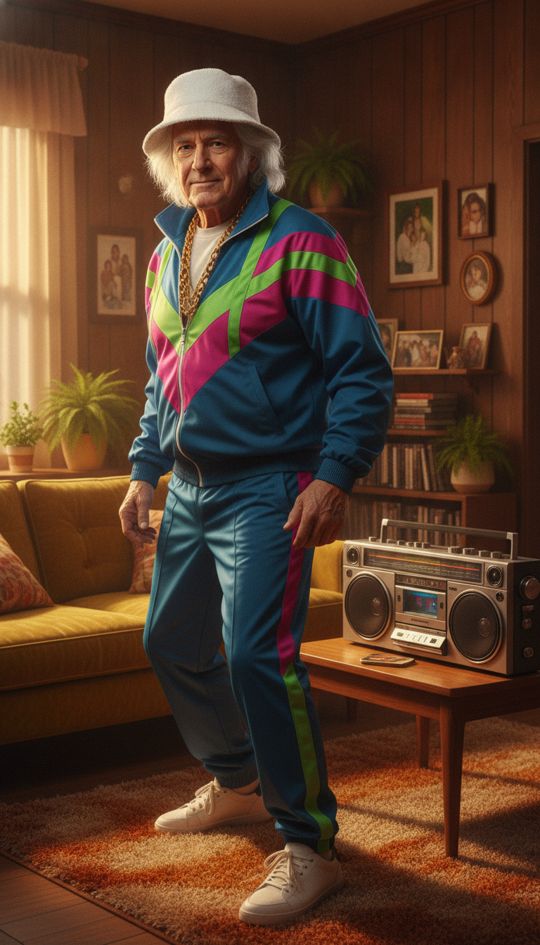
Original photo used for the Grandpa goes viral example

Grandpa goes viral

Tap to play with sound

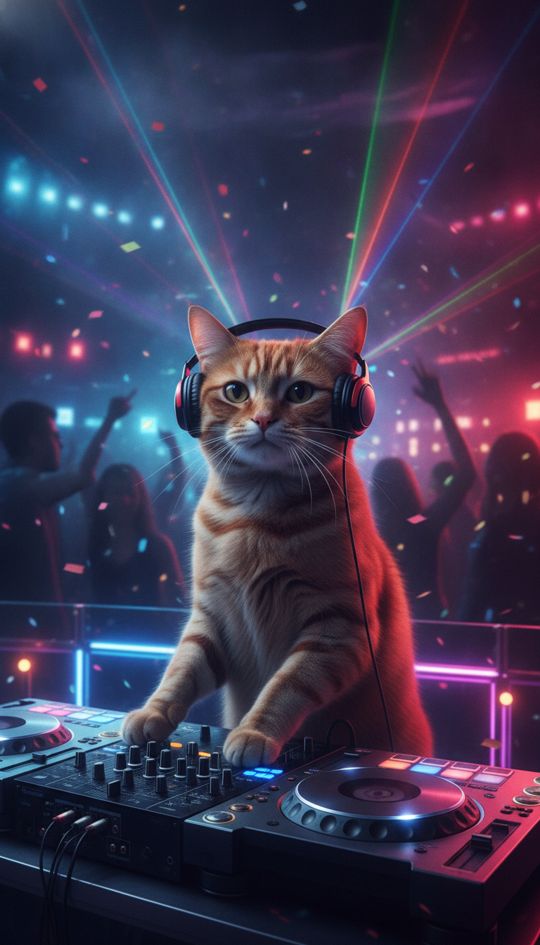
Original photo used for the Cat on the decks example

Cat on the decks

Tap to play with sound

Original photo used for the Friday office hype example

Friday office hype

Tap to play with sound

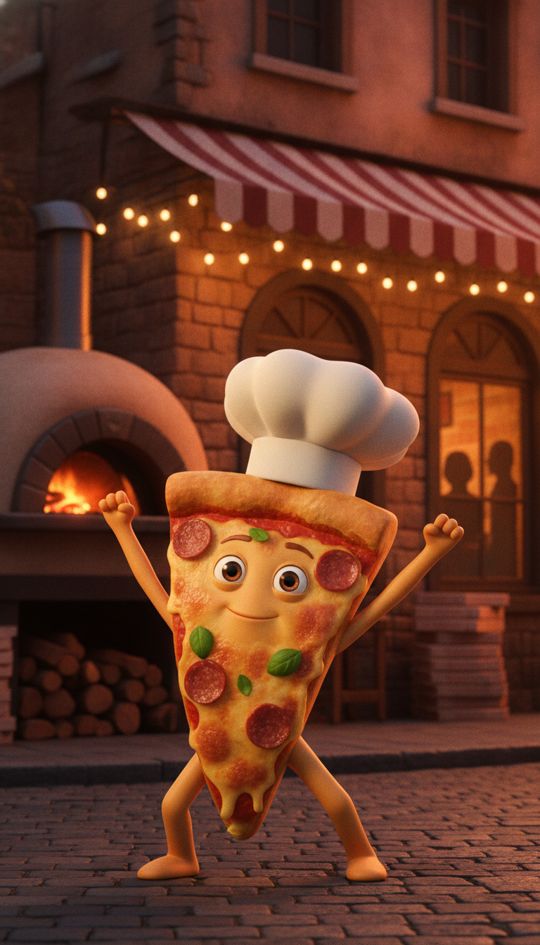
Original photo used for the Pizza shop jingle example

Pizza shop jingle

Tap to play with sound

your singer goes here

One face, looking at the camera, in good light. Pets and cartoons work too.

Pick a style

Optional. Names, inside jokes, the occasion — or leave it empty and we'll pick a trending idea.

No account needed to buy. Or sign in for 1 free watermarked preview. Failed videos are refunded. By continuing you confirm you're allowed to use this photo.

RapClips is an AI rap video generator: it turns one photo and a short topic into a 15-second vertical video where that face raps brand-new lyrics over an AI beat. From $9.90, no account needed to buy.

How it works

  1. 1

    Upload one photo

    A clear, front-facing photo of you, a friend who said yes, a pet or a cartoon character. That face becomes the rapper.

  2. 2

    Say what the rap is about

    A birthday, a friendly roast, an anniversary, your dog's love of treats. Names and inside jokes make the best bars. Leave it empty for a hype verse.

  3. 3

    Get the AI rap video

    A few minutes later you get a 15-second 9:16 video with original lyrics, vocals, a beat and lip sync. Download it and post it to TikTok, Reels or Shorts.

What is an AI rap video?

An AI rap video is a short clip where a face — usually from a single photo — raps lyrics that AI wrote and performed. The AI handles every step a real music video needs: the words, the rhymes, the voice, the beat and moving the mouth in time with the song.

People use them as personalised gifts and jokes: a birthday rap starring the birthday person, a roast of a best friend for the group chat, or a pet that finally "speaks". They are short, vertical and made to be shared.

Photo-first vs. lyrics-first AI rap video tools

Most AI rap video generators are lyrics-first: you bring finished lyrics or an existing track, then pick visuals, stock footage or an AI avatar. They suit musicians who already have a song and want a music video for it.

RapClips is photo-first. You start with the person you want to see rapping and a one-line idea; the lyrics, voice and beat are written for that video. It suits people who want a funny or touching clip of someone they know — and who don't write raps.

If you already have a finished song and need a 3-minute music video, a lyrics-first editor is the better fit. If you want "my friend Sam rapping about being late again" in under two minutes, RapClips is built for exactly that.

What you get in each video

Every paid RapClips video is 15 seconds long, vertical 9:16 in 720p — a full four-line verse, the length that works best on TikTok, Instagram Reels and YouTube Shorts. The free preview is an 8-second, two-line version. Solo videos star one photo; duo videos put two people on one stage, trading lines.

Paid videos have no watermark and are yours to download. The song is generated for your video, so you are not using a copyrighted track. Failed videos are refunded automatically.

How to make an AI rap video that people replay

Be specific. "Jay, 25, lives at the gym, never pays for dinner" gives the AI something real to rhyme about; "make a rap" does not. Two or three details are enough.

Pick the right photo: one face, looking at the camera, in good light, with the mouth visible. Group photos, side profiles and sunglasses make the lip sync weaker.

Keep roasts affectionate. Friendly jokes land better and travel further than mean ones — and content that targets or humiliates someone is blocked.

Is it safe to upload a photo?

You choose one photo; RapClips never sees the rest of your photo library. The photo is used only to make your video. Only upload yourself, people who agreed, pets or characters you have the rights to — celebrity photos, minors and explicit images are rejected before anything is generated.

What people make

  • Birthday rap video

    The birthday person raps their own shout-out — the gift nobody forgets.

  • Friendly roast

    A playful diss track for your best friend, made for the group chat.

  • Pet rapper

    Your dog or cat drops a verse about treats and naps.

  • Anniversary rap

    A love rap starring your partner — sweet, a little cheesy, very shareable.

  • Grandparents go viral

    Grandpa raps about the good old days. Families love these.

  • Brand mascot

    Your logo character raps a catchy line about your shop or app.

Questions

How do I make an AI rap video from a photo?

Upload one clear photo, type who or what the rap is about (or leave it empty), pick Rap and press "Make it rap". RapClips writes the lyrics, creates the vocals and beat, and lip-syncs the photo. The video is ready in about 4–5 minutes; you can close the page and find it in My videos.

Do I need to write the lyrics?

No. The AI writes original lyrics for every video from your topic. You see them while the video is being made.

How much does an AI rap video cost?

One video is $9.90, three are $19.90, five are $29.90 and twenty are $79.99, paid once with no subscription. Signing in gives you one free watermarked preview you can watch on the site.

How long is the AI rap video?

15 seconds, vertical 9:16 in 720p — a full four-line verse, sized for TikTok, Reels and Shorts. The free preview is 8 seconds.

Can two people rap together?

Yes. Switch to Duo and add two photos (or one photo with both of you). The two faces share the stage and trade lines. Duo costs the same as solo.

Can I use my own song or voice?

Not yet. Every RapClips video gets a new AI voice and beat. If you already have a track, a lyrics-to-video editor is the better tool today.

Does it work on my phone?

Yes. Most people make their videos on a phone: pick a photo from your library or take one, and download the finished video straight to your camera roll. On a computer you can also scan a QR code to send a photo from your phone.

Whose photos can I use?

Only photos of yourself, or of people who have agreed to it, plus pets and characters you have the rights to use. Do not upload photos of celebrities or use the videos to pretend to be someone else. Uploads of minors, nudity or hateful content are blocked.

Can I post the video on TikTok, Instagram or YouTube?

Yes. Paid downloads have no watermark and come in vertical 9:16, ready for Reels, TikTok and Shorts. The song is generated for you, so you are not using someone else's track.

Make your first AI rap video

One photo, one idea, one 15-second verse.